 Maurchess
Maurchess
Maurchess
A Lichess client for iPhone
Lichess, without the clutter.
A native iPhone app for your Lichess account. Your games, puzzles and ratings, in an interface with nothing competing for your attention.
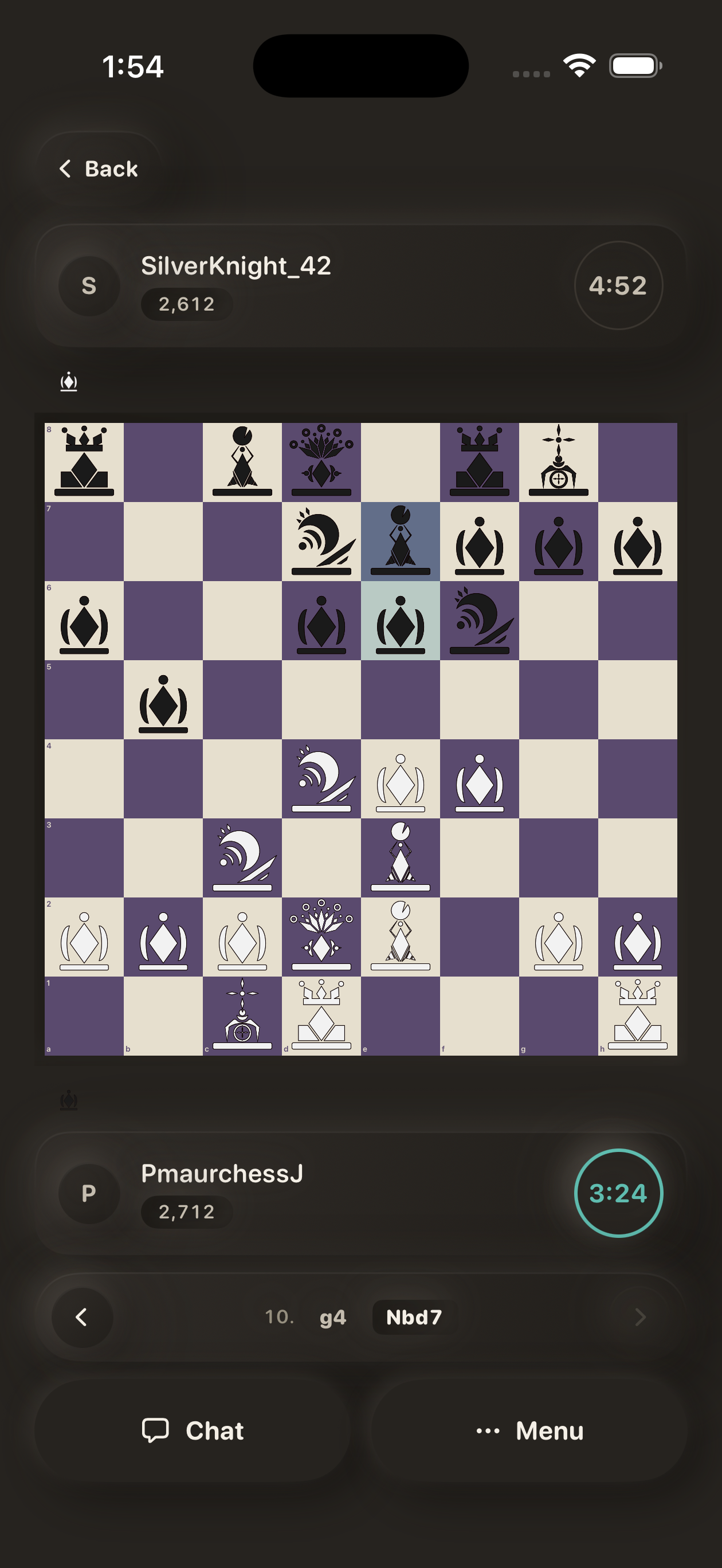
The board is the screen. Every other element sits beside it, never on top of it.
Clocks, names and captured pieces take the space above and below the board. No banners, no overlays, no panels sliding across the position.
Choose from a range of board themes and piece sets. Whatever you pick, the board is drawn at full size and full opacity.
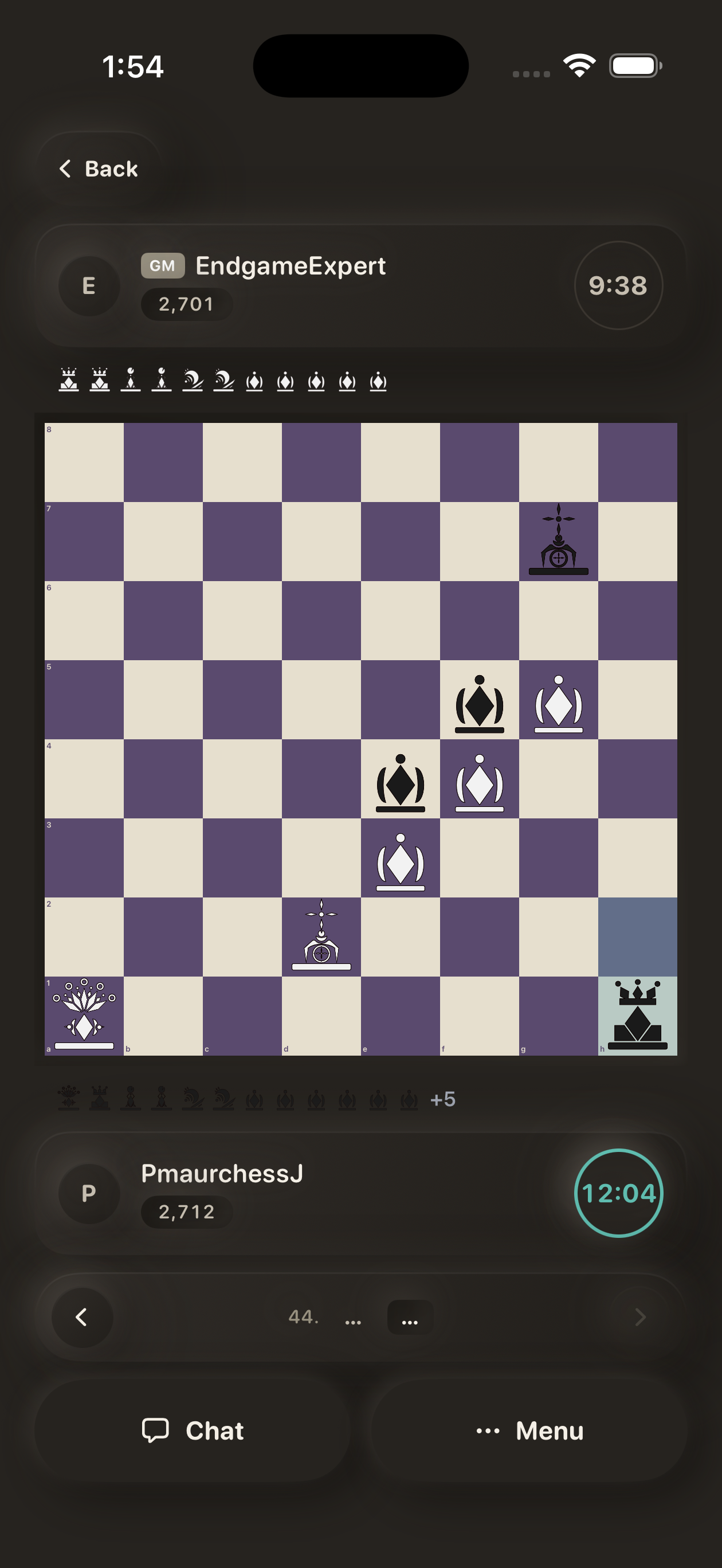
Your clock — highlighted when it is running.
Captured pieces — shown in the same set you play with.
Ratings with their trend lines, games waiting for your move, and your recent results. That is the home screen.
Nothing to scroll past, nothing to dismiss. Open the app, see where you stand, get back to the game.
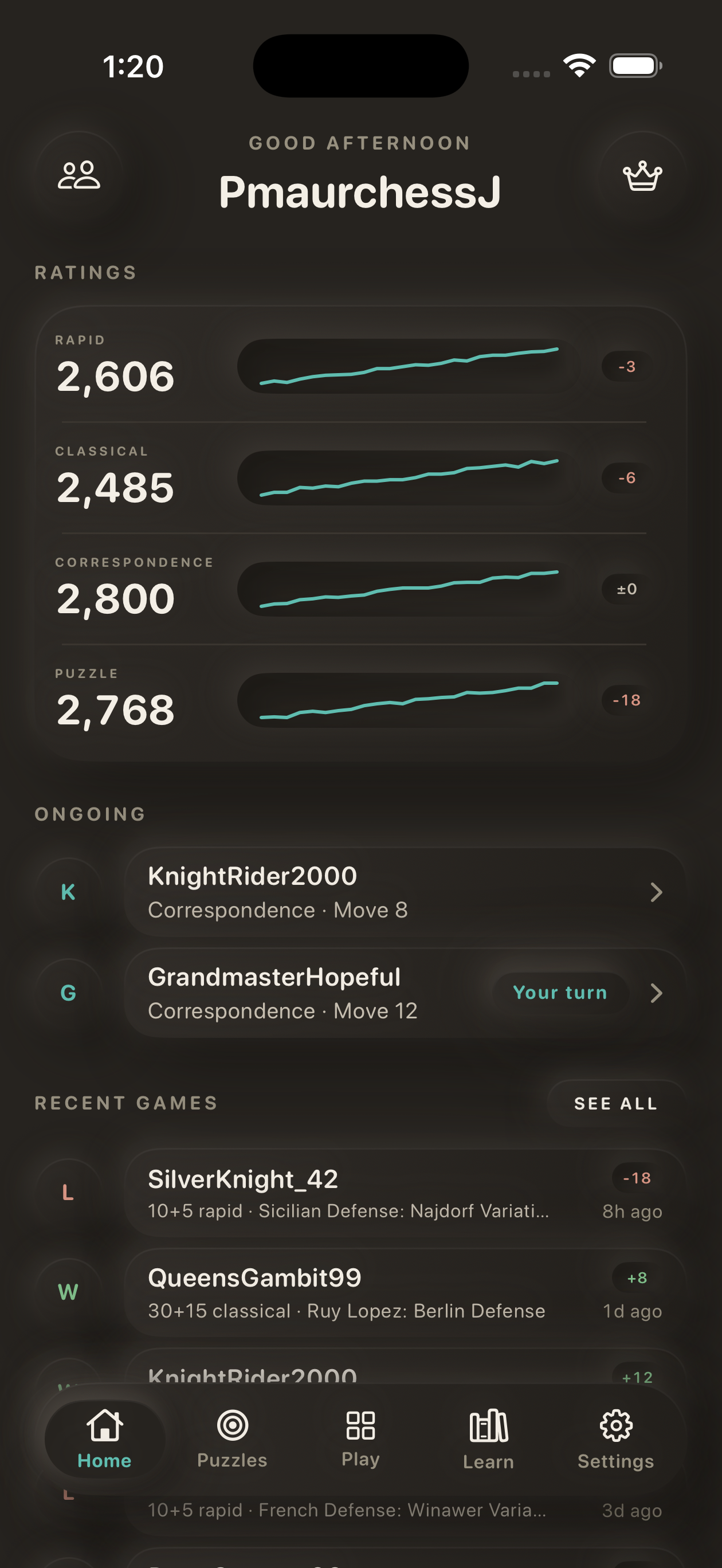
Each rating — with its recent movement drawn beside it.
Your turn — correspondence games waiting on you are marked, not shouted.
Step through a line move by move, with a plain-language note on each one. Ideas and named variations follow underneath.
The opening library is stored on your phone, so it works without a connection.
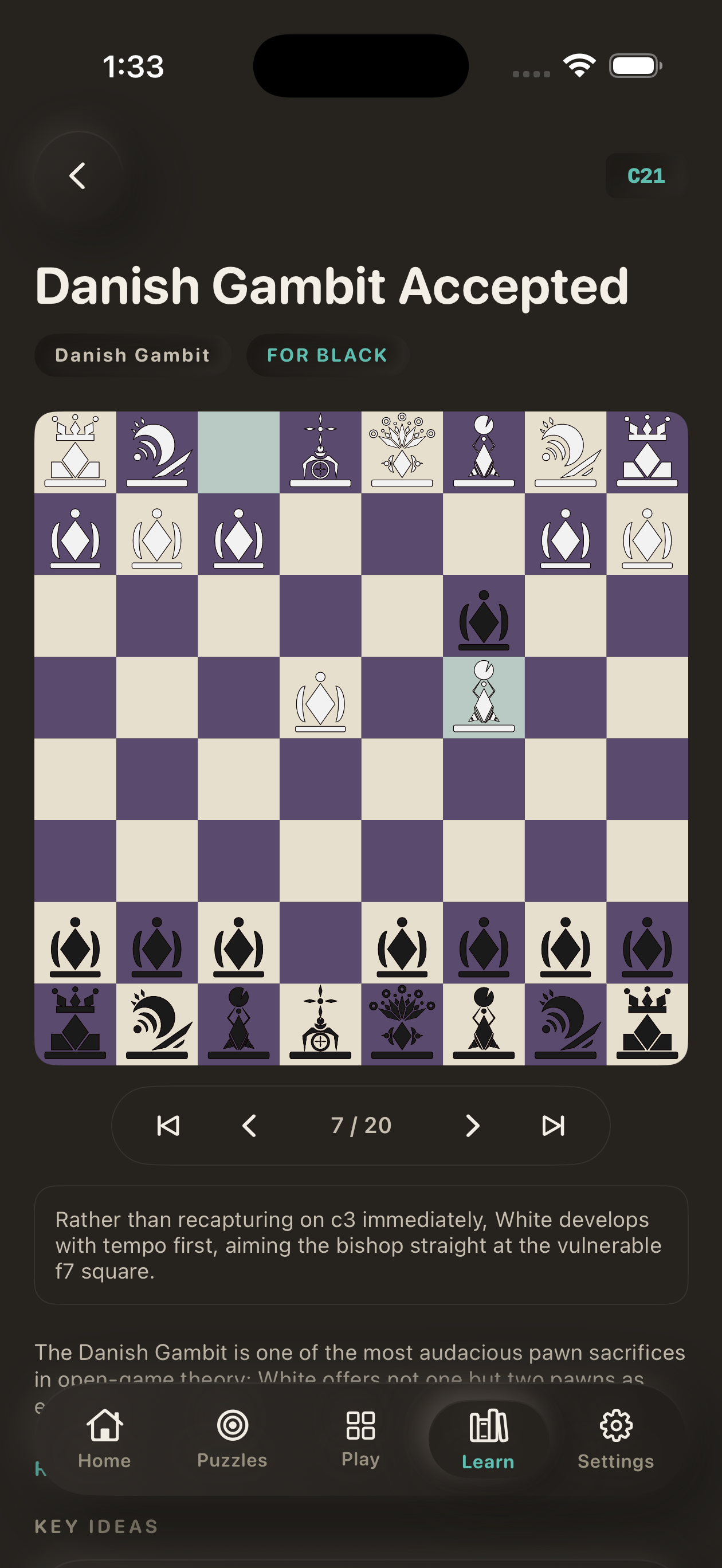
Family and side — who the line is for, at a glance.
Move by move — step forward, back, or jump to either end.
A note on every move — in words, not engine numbers.
The full Lichess puzzle stream, with the position at full size and two controls beneath it: a hint, and a reset.
Your puzzle rating updates as you go, and recent puzzles are kept on the device for when you are offline.
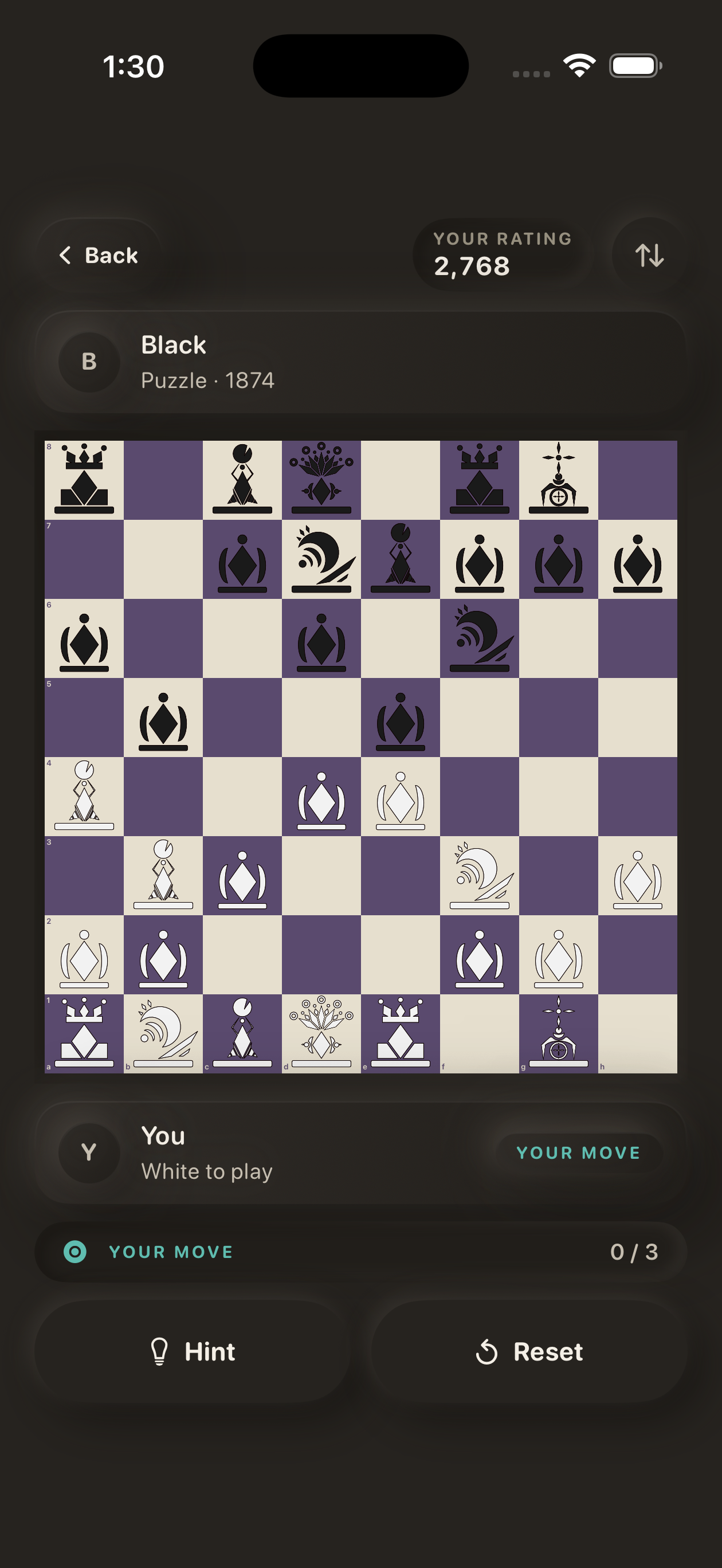
The position — nothing else on screen at this size.
Two controls — a hint when you need one, a reset when you don't.
Finding a game, waiting on a challenge, loading a board: none of it blocks the screen. It lives in a panel you swipe in from the right edge when you want it.
Notifications are limited to what matters — your opponent moved, a friend challenged you, or a game ended while you were away.
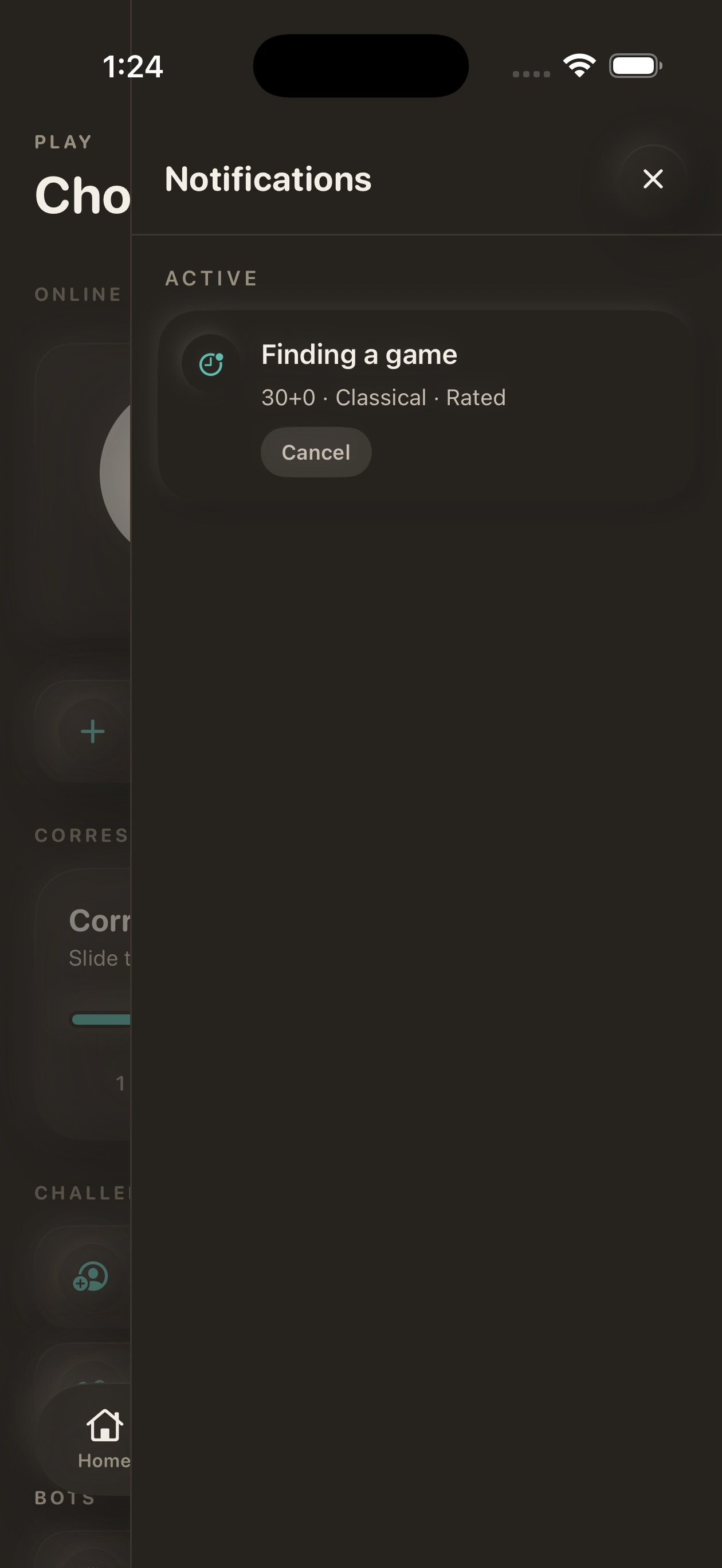
One item, one action. Cancel it or carry on browsing.
Casual or rated, standard time controls or your own, correspondence with a slider for days per move, or a direct challenge to a friend.
A setting that replaces the board in live games with a text field. You enter moves in notation and hold the position in your head.
Wins, draws and losses across every time control, with rating history for each.
Sign in with your existing account. Games, ratings and history are already there — nothing new to set up.
The chess you already play, in an app that stays out of the way.
Maurchess is an independent client for Lichess.org. Sign in with your Lichess account and start where you left off.